
Streamlining Plumbing BIM and Drawing Development
PROJECT OVERVIEW
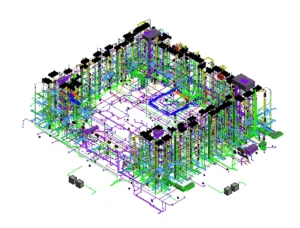
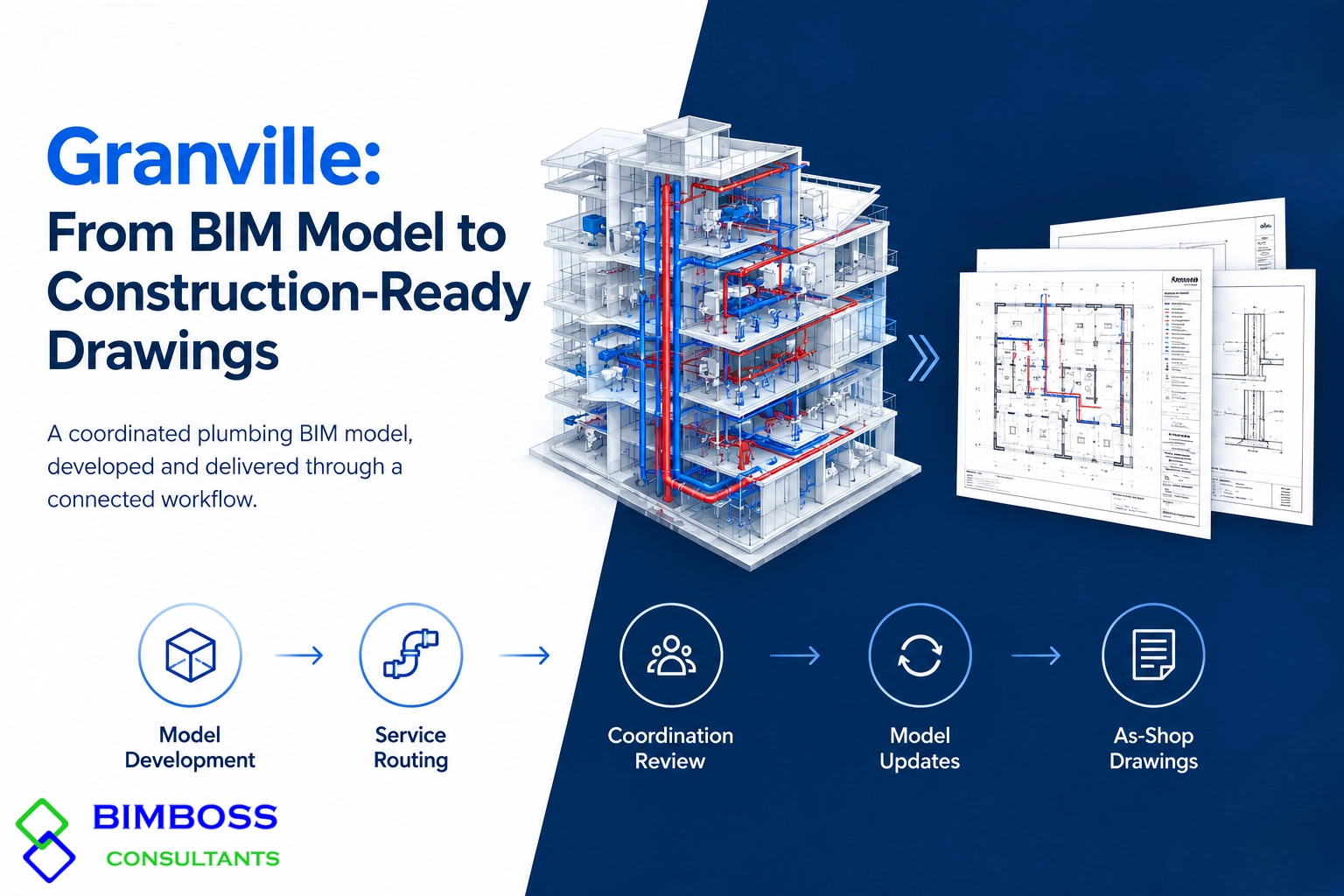
The Granville project involved the development of a coordinated Plumbing BIM model and the preparation of an as-shop drawing package. The assigned scope covered the complete workflow, from initial model development and service routing to coordination review, model updates, and final documentation.
The project required plumbing layouts to be developed in Autodesk Revit and reviewed against available architectural, structural, and other building services information. Autodesk Navisworks was used to support model coordination and identify potential spatial conflicts affecting plumbing routes and service interfaces.
Scope connected the modeling and documentation stages within a single workflow, with the coordinated model serving as the basis for preparing the required plumbing drawings.
PROJECT OBJECTIVES
Plumbing BIM Goals & Deliverables
- Develop a detailed Plumbing BIM model.
- Coordinate plumbing services with architectural and structural elements.
- Identify and resolve clashes, routing conflicts, and clearance issues.
- Maintain model accuracy through design updates and coordination reviews.
- Deliver consistent, model-based as-shop drawings.
SCOPE OF WORK
Key Activities from Model to Drawings
- Plumbing pipework, connections, and equipment modeling.
- Service routing and multidisciplinary coordination.
- Navisworks clash detection and issue review.
- Pipe elevation, gradient, and clearance adjustments.
- Model validation and drawing QA/QC.
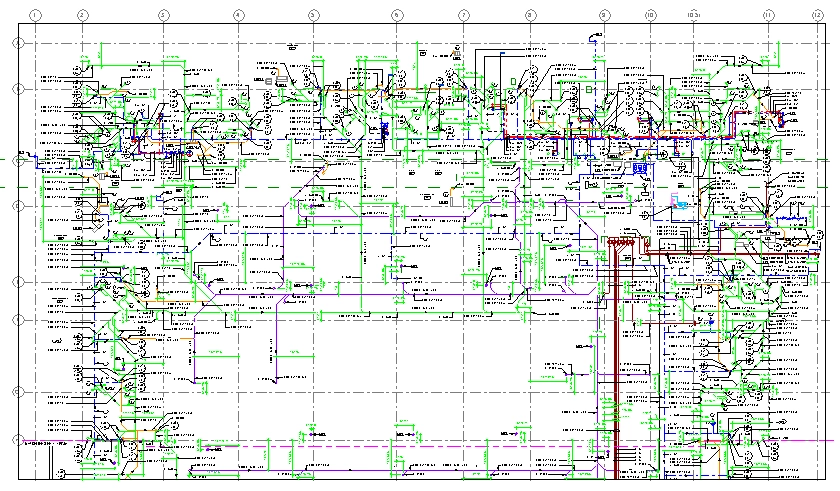
- As-shop drawing preparation, including plans, sections, details, and annotations.
BIM MODELING & COORDINATION WORKFLOW
The project followed a systematic BIM-to-documentation workflow to maintain consistency between the plumbing model and the final drawing package.
Stage 01 — Project Setup
Reviewed the available project information and established the Revit modeling environment for plumbing service development.
Stage 02 — Plumbing BIM Modeling
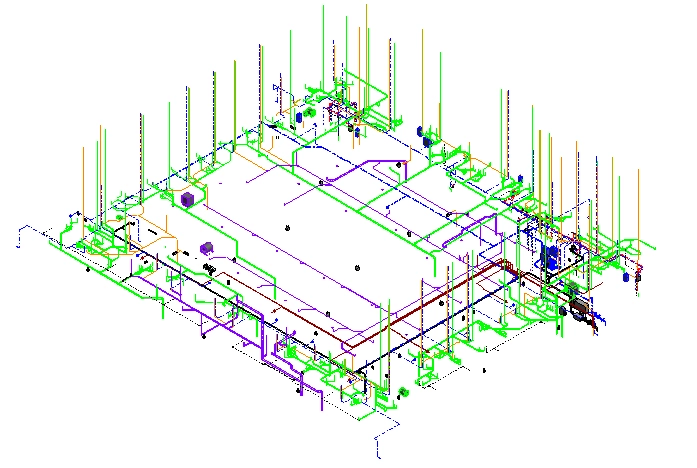
Developed plumbing pipework, connections, equipment, and associated components in accordance with the available design information.
Stage 03 — Multidisciplinary Review
Reviewed the plumbing model against available architectural, structural, and other building services models to identify potential spatial conflicts.
Stage 04 — Navisworks Clash Detection
Used Navisworks for federated model review, focusing on service clashes, restricted clearances, penetrations, and congested areas.
Stage 05 — Coordination & Issue Resolution
Updated pipe routing, elevations, offsets, and locations in Revit based on coordination findings and available project requirements.
Stage 06 — Model QA/QC
Checked model geometry, connectivity, levels, annotations, views, and coordination updates before proceeding with drawing production.
Stage 07 — As-Shop Drawing Production
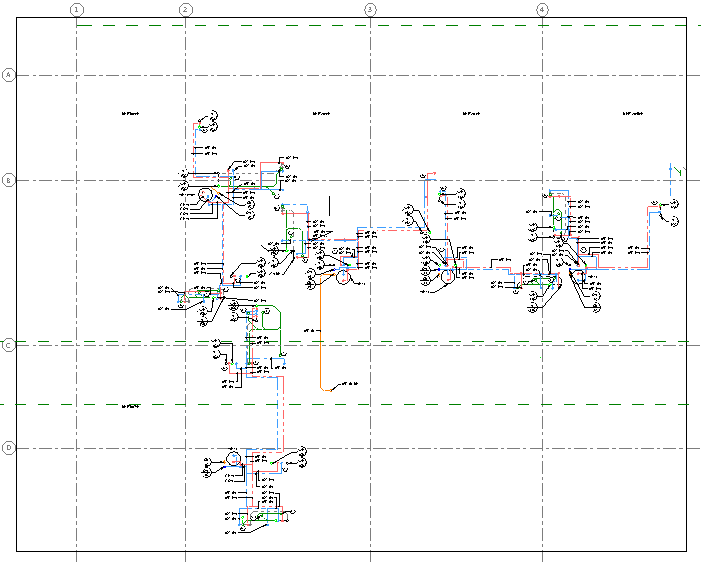
Generated and reviewed plumbing drawings from the coordinated model, including plans, sections, dimensions, tags, notes, and relevant details
COORDINATION CHALLENGES & SOLUTIONS
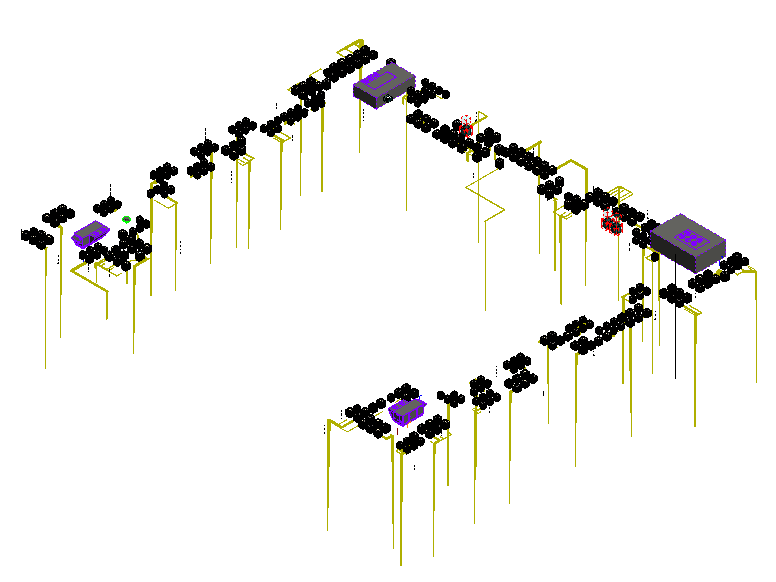
Plumbing Services vs. Structural Elements
Potential conflicts involving pipe routes and walls or slabs were reviewed to coordinate service paths and identify suitable locations for required penetrations or sleeves.
Congested Service Zones
Restricted ceiling spaces, shafts, and service areas were reviewed to improve pipe routing while considering available space, gradients, clearances, and accessibility.
Coordination with Other Building Services
Plumbing routes were reviewed against available services information to identify spatial conflicts and support coordinated routing.
Design Revisions & Coordination Updates
Revit model elements and affected drawing views were updated based on revised project information and coordination comments.
Model-to-Drawing Consistency
The coordinated Revit model served as the primary source for documentation, helping maintain alignment between model updates and the associated as-shop drawings.
PROJECT DELIVERABLES
Typical coordination considerations included:
- Coordinated Plumbing BIM Model
- Navisworks Coordination & Clash Review
- Model-Based As-Shop Drawings
- Plans, Sections, Details & Annotations
- Final Drawing QA/QC
PROJECT OUTCOME
The Granville project demonstrates an integrated workflow connecting Plumbing BIM modeling, coordination, issue resolution, and as-shop drawing production. Revit supported model development and documentation, while Navisworks enabled coordination reviews and clash identification.
This model-based approach helped maintain consistency between the coordinated plumbing model and the final drawing package, supporting clearer construction documentation.